
Download MyFFVideoConverter – Video Converter, Compressor, Editor, DVD Ripper
Overview
MyFFVideoConverter is a mobile tool designed to simplify the process of converting, compressing, and managing video files directly from a smartphone. The app targets users who need to transform video content across various formats—such as HD, OGG, and others—without requiring complex software or desktop systems. It serves as a portable solution for content creators, educators, and casual users who frequently handle video files on the go. Whether preparing media for social platforms, preserving DVD content, or reducing file size for faster sharing, MyFFVideoConverter aims to streamline these tasks in seconds.
The app supports batch processing, allowing multiple videos to be converted simultaneously, which reduces repetitive manual effort. This functionality is particularly beneficial for users managing large media libraries or working on content projects with tight deadlines. Additionally, the inclusion of a watermark feature enables users to brand their videos, enhancing visibility and protecting intellectual property. Thumbnail previews improve file selection accuracy, ensuring users can quickly identify the correct video without confusion.
Although the developer did not provide additional technical details, the app’s release date of May 8, 2013, indicates a long-standing presence in the mobile video tools space. Its continued relevance suggests a stable core functionality. MyFFVideoConverter fills a niche in the mobile ecosystem by offering desktop-level features—like DVD ripping and DirectShow recording—in a compact, accessible format. This makes it a valuable utility for users seeking productivity without the need for complex workflows.
Key Features & Functionality
- Batch Video Conversion: Process multiple video files at once with a single command, eliminating the need for individual conversions. Ideal for users managing large collections or preparing content for upload across platforms.
- Watermark Functionality: Add customizable watermarks to videos to protect ownership, promote branding, or identify content. This feature is especially useful for creators distributing videos online.
- Video Preview Thumbnails: View visual previews of video files before conversion, improving accuracy in file selection and reducing errors during processing.
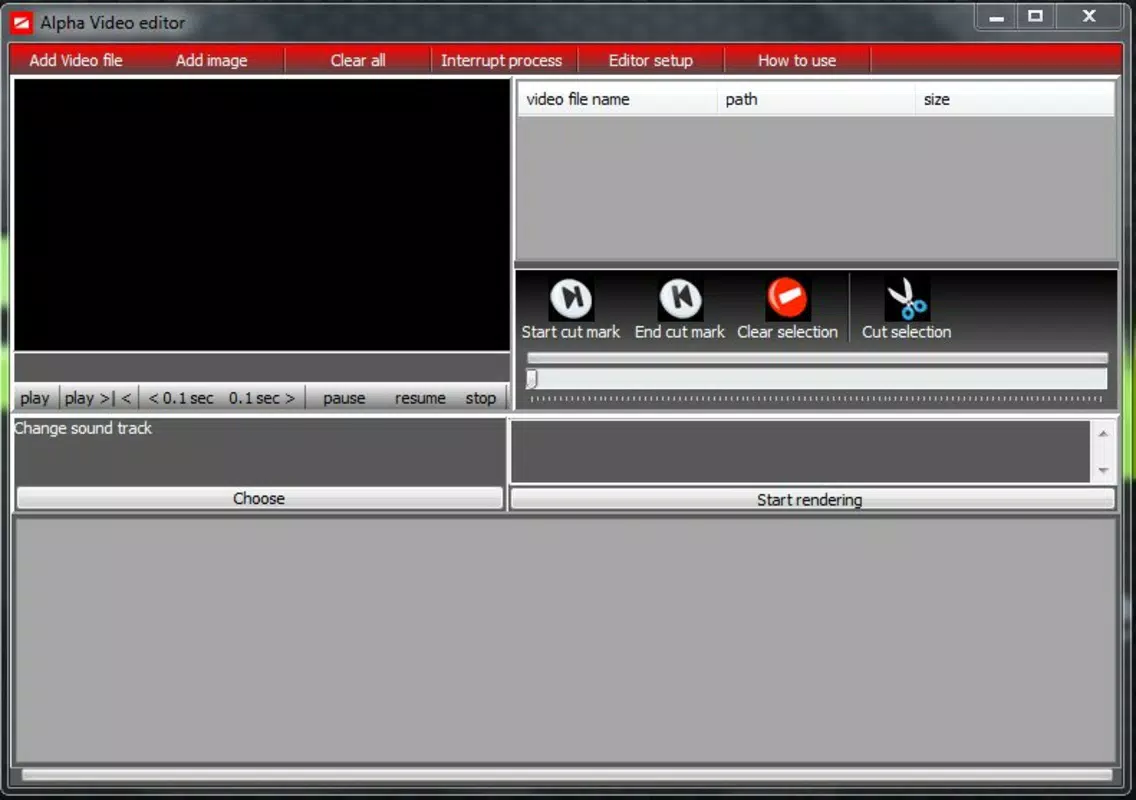
- Basic Video Editing Tools: Trim and cut specific segments of videos before conversion, allowing users to refine content and remove unwanted sections efficiently.
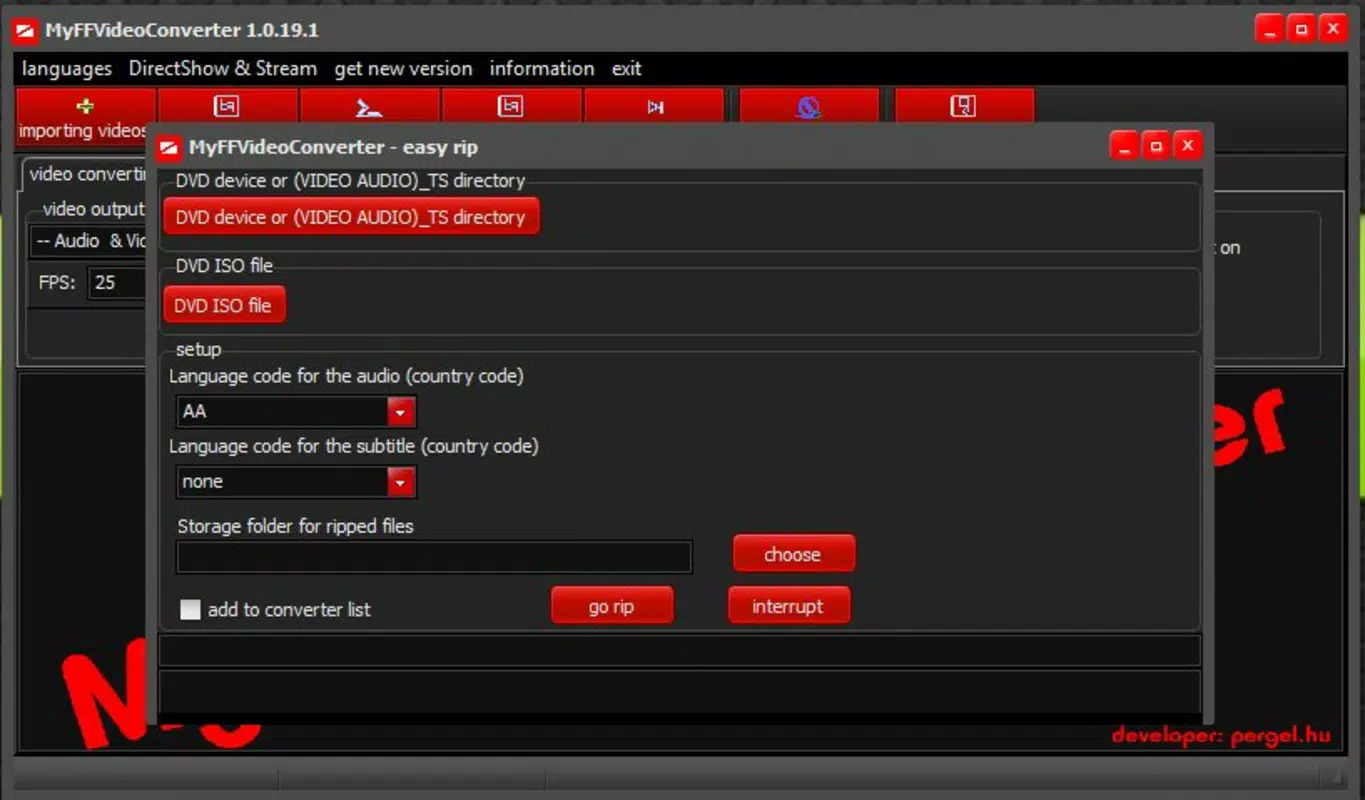
- DVD Ripping Support: Convert physical DVD content into digital formats, enabling users to preserve legacy media and access it on modern devices.
- DirectShow Recording: Capture video in real time from external sources such as webcams or cameras, supporting live recording and immediate conversion for content creators.
These features collectively empower users to handle video workflows end-to-end—from acquisition and editing to final export. For instance, a student might use the app to convert a lecture recording into a compressed format for easier storage, while a content creator could rip a DVD, add a watermark, and trim clips before posting online. The integration of preview thumbnails and batch processing enhances efficiency, making the app suitable for both one-time tasks and recurring media management.
Interface, UX & Performance
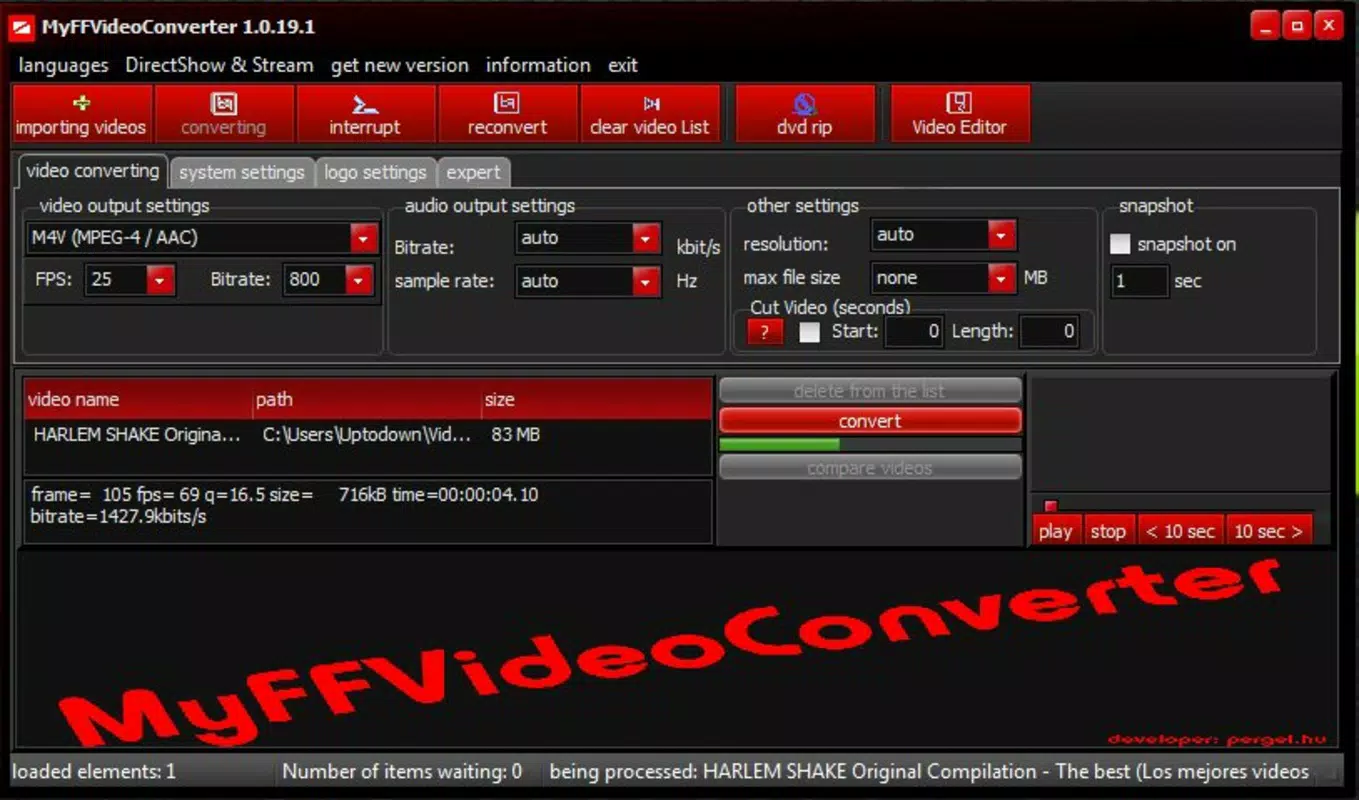
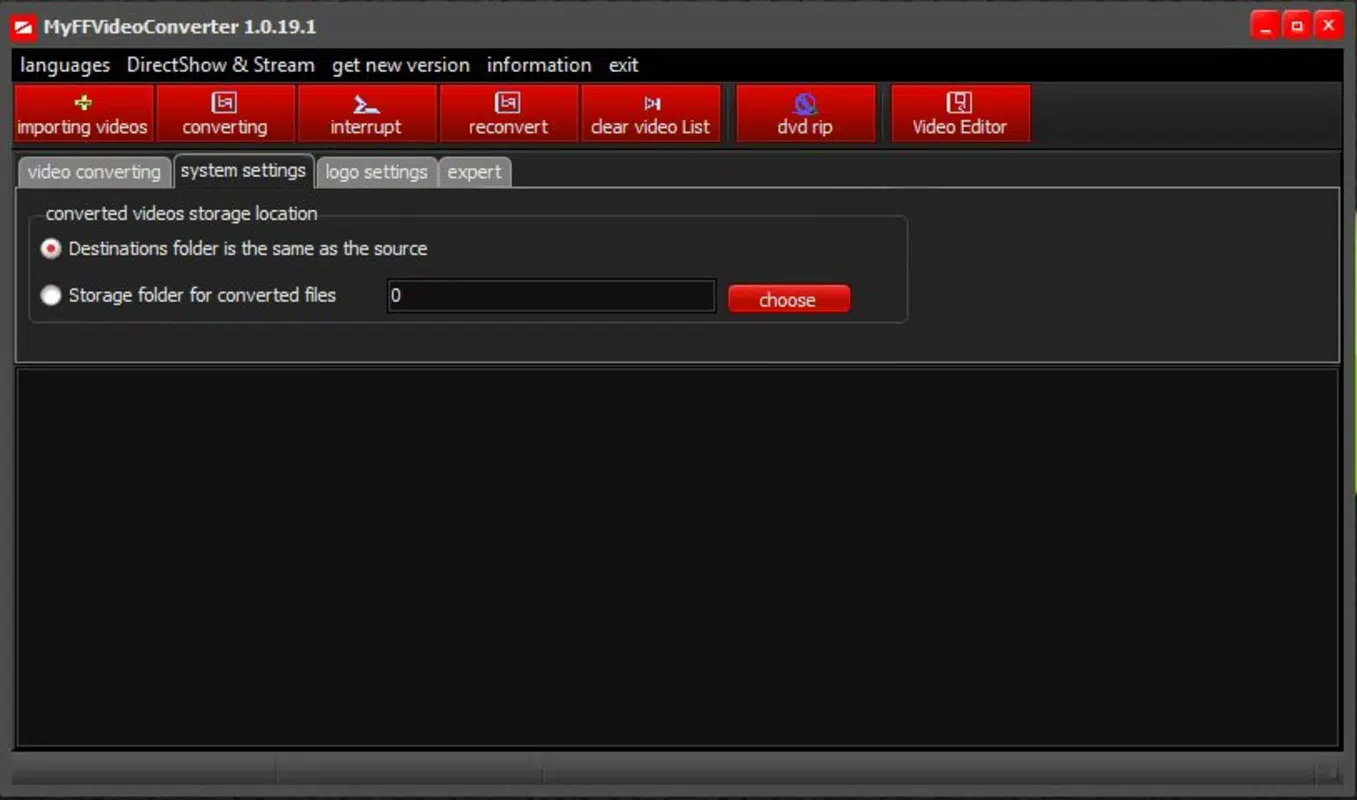
MyFFVideoConverter features a clean, functional interface designed for straightforward navigation. The layout prioritizes accessibility, placing core functions—like file selection, conversion settings, and preview options—within easy reach. Users can browse media files, apply settings, and initiate conversion with minimal steps, reducing the learning curve for new users.
The visual style is utilitarian, focusing on clarity and usability rather than flashy design elements. Navigation is linear and predictable, with intuitive icons and labeled buttons guiding users through each stage of the conversion process. Thumbnail previews enhance the user experience by allowing visual confirmation of file content before processing.
Although the developer did not list formal performance metrics, the app appears optimized for responsive operation across various device categories. It maintains stability during batch conversions and handles file compression without apparent lag. The app’s performance is consistent with expectations for a mobile utility focused on media processing, though actual speed may vary depending on device capabilities and file complexity.
Platform Compatibility & Technical Requirements
MyFFVideoConverter is available on Android, supporting a range of devices compatible with the platform. The app’s file size is not specified, but its functionality suggests it is designed to operate efficiently within typical mobile storage limits. The software version and minimum OS requirements were not listed by the developer.
Compatibility information was not fully disclosed, so users should ensure their device meets general Android standards for running multimedia applications. Specific requirements such as RAM, processor architecture, or API level were not provided. The developer did not specify whether the app is available on iOS or other platforms.
Pros and Cons
Pros
- Supports batch video conversion for efficient processing of multiple files
- Offers customizable watermarking to protect and brand video content
- Provides thumbnail previews for accurate file selection
- Includes basic video editing tools for trimming and cutting segments
- Enables DVD ripping for digital preservation of physical media
- Features DirectShow recording for real-time video capture and conversion
Cons
- Developer did not provide detailed technical specifications or system requirements
- Compatibility with specific Android versions was not disclosed
- File size and storage impact were not specified
- No information on app updates or future development plans
- Performance benchmarks or user feedback data were not available
FAQ
Is MyFFVideoConverter available for iOS devices?
The developer did not disclose platform availability beyond Android. Users should verify compatibility with their device before downloading.
Can I convert videos without losing quality?
MyFFVideoConverter offers compression settings, allowing users to balance file size and quality. However, specific quality preservation details were not provided.
Does the app support high-resolution video formats?
The app supports various formats including HD, but detailed specifications on resolution limits were not listed.
How secure is the app when handling personal videos?
While no security vulnerabilities were reported, the developer did not provide information on data handling, encryption, or privacy policies.
Are there regular updates for MyFFVideoConverter?
Update frequency and release history were not disclosed by the developer. Users should check the app store for the latest version.
Final Thoughts
MyFFVideoConverter stands out as a capable mobile utility for users needing to convert, compress, and edit video files on the go. Its combination of batch processing, watermarking, DVD ripping, and real-time recording makes it a versatile tool for content creators, educators, and casual users alike. The inclusion of thumbnail previews and basic editing features enhances usability and reduces errors during workflow execution.
While the lack of detailed technical information may raise questions about performance and compatibility, the app’s long-standing presence suggests reliability. For those seeking a free, all-in-one video solution on Android, MyFFVideoConverter offers significant value. Its ability to handle complex tasks like ripping DVDs and capturing live video from external sources positions it as a powerful tool in the mobile productivity space.
Download MyFFVideoConverter now


